 CONTEVRA FOR ANDROID
Contevra helps professionals capture business cards and contact QR codes, organize business contacts, track opportunities and remember the next follow-up — all from one focused Android app.
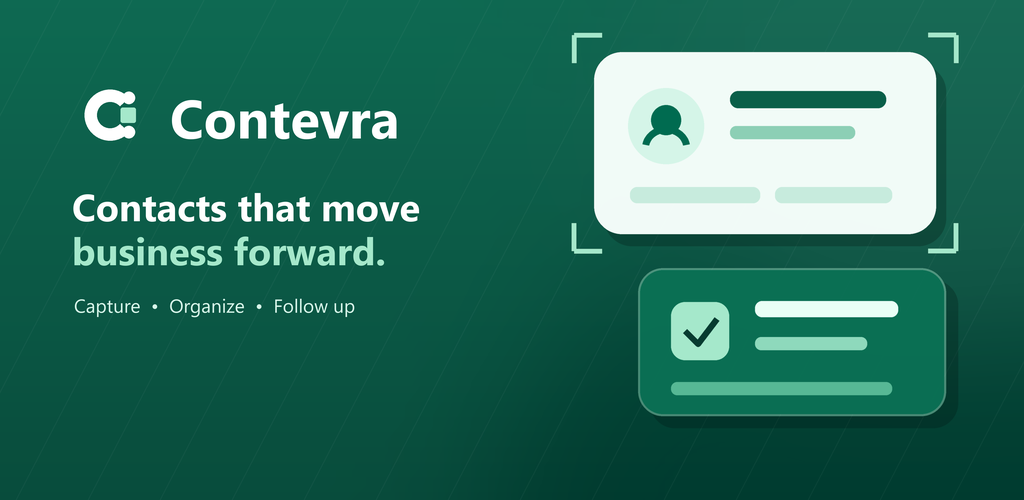
Illustrative brand graphic — not a screenshot of the app.
Contevra is a focused contact and lightweight CRM app — not a mass marketing or social tool.
Capture a business card with the camera, crop or rotate the image, extract Latin-script contact details on the device and review every field before saving.
Read supported vCard and MECARD QR codes. You review the recognized information before it becomes a CRM record.
Maintain names, companies, roles, phone numbers, email addresses, postal addresses, websites, notes and profile links.
Record an opportunity, its value and stage, then schedule follow-ups with optional local reminder notifications and sound.
Use the core CRM without signing in. Phone-only records stay in the app's private local storage. Android backup is off by default — see the privacy policy for what changes if you turn it on.
After Google sign-in and separate consent, choose Google Drive synchronization for your Contevra CRM workspace and Google Contacts synchronization for supported contact fields.
Signing in with Google does not turn either of these on by itself — each requires its own, separate consent.
When enabled, Contevra stores the signed-in user's CRM workspace in the private application-data area of that user's Google Drive account. Synchronized CRM information can include contacts, companies, contact methods, profile links, notes, opportunities, activities and follow-ups. Phone-only records are not uploaded unless the user explicitly copies them into the signed-in account workspace. Raw business-card images and raw scan content are excluded.
When separately enabled, Contevra can read and synchronize supported contact fields from the signed-in user's Google Contacts. Supported fields can include names, phone numbers, email addresses, company and job information, postal addresses and websites. CRM notes, activities, opportunities, follow-ups, business-card images and raw scans are not written to Google Contacts.
Synchronization is not end-to-end encrypted. When you enable a Google service, Google processes the relevant data under its own terms.
Contevra is currently undergoing device testing, privacy review and Google Play production preparation. Availability and final feature scope may change before public release.
Contevra is published by YADRITRANS TECH LIMITED LIABILITY COMPANY. Reach out any time — we aim to respond within 1–2 business days.
Visit Contevra Support →YADRITRANS TECH LIMITED LIABILITY COMPANY